ArtistManager
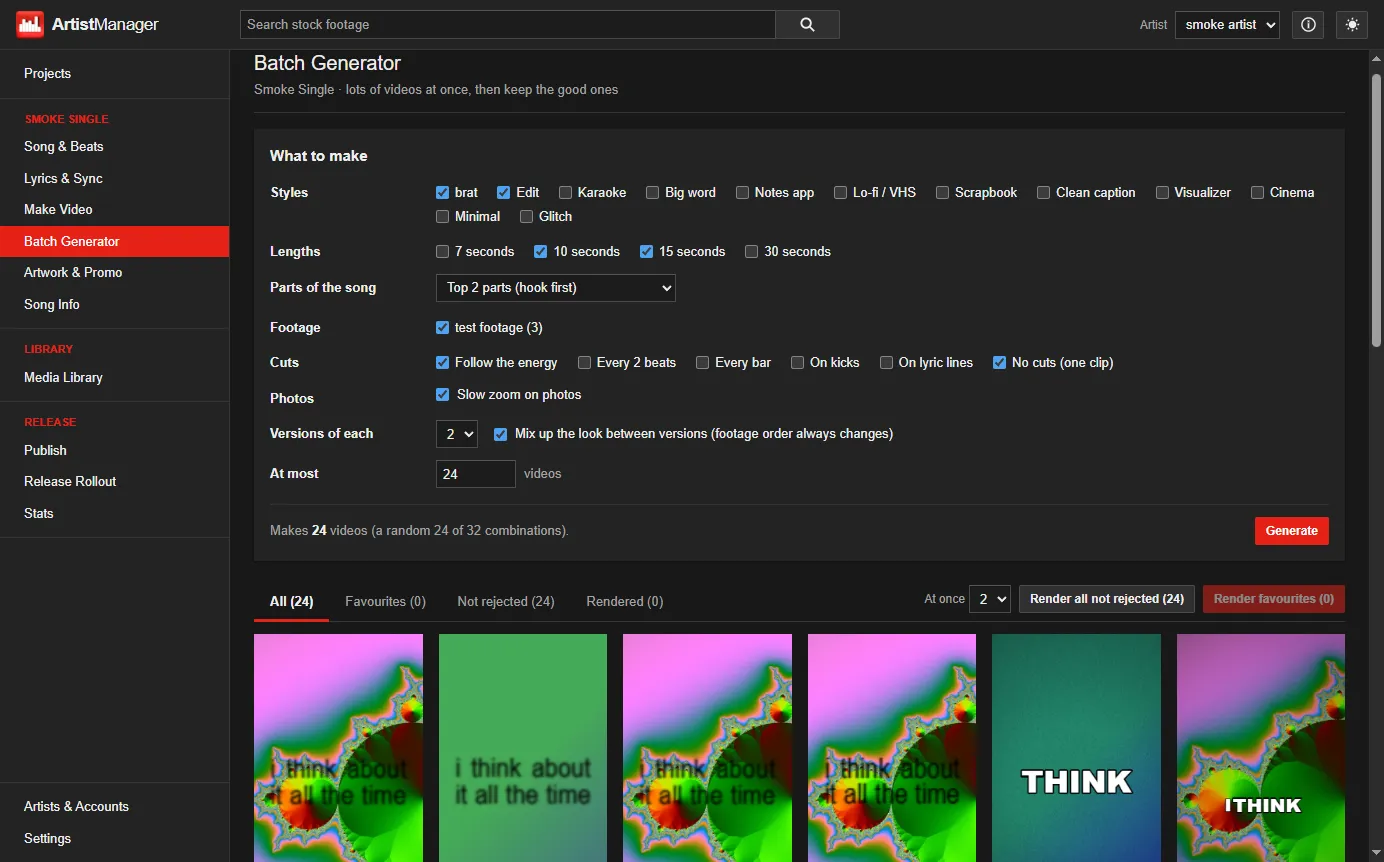
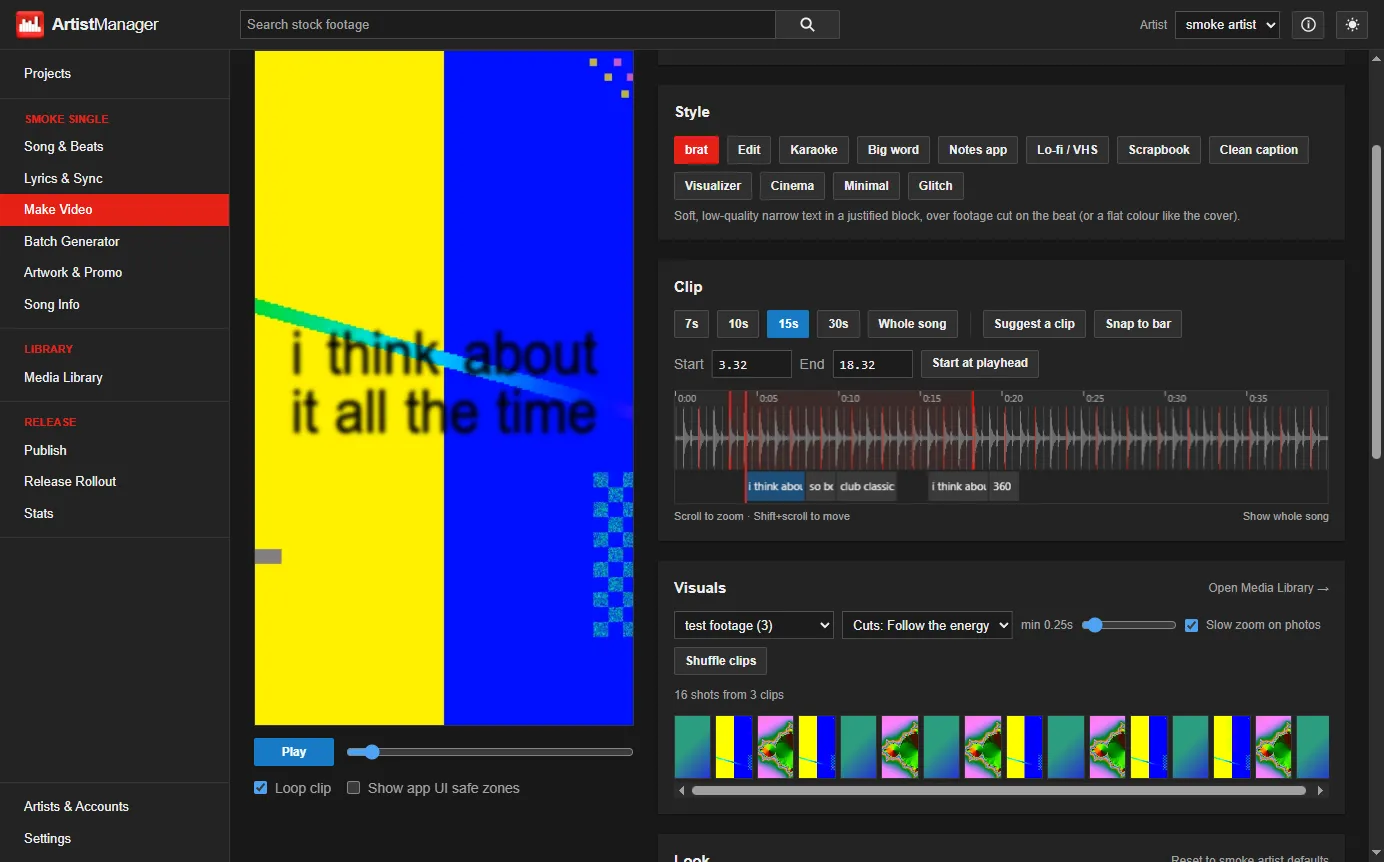
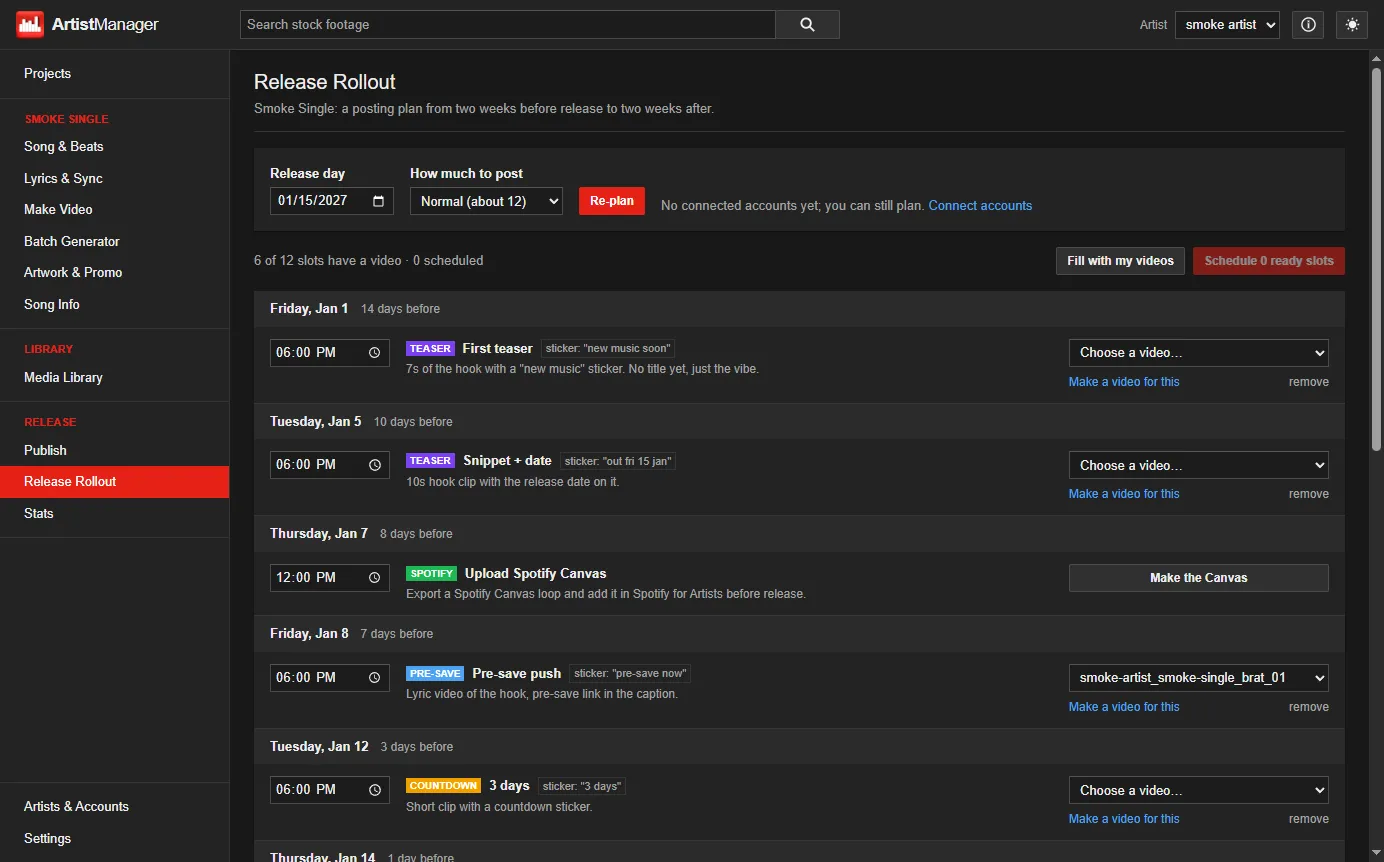
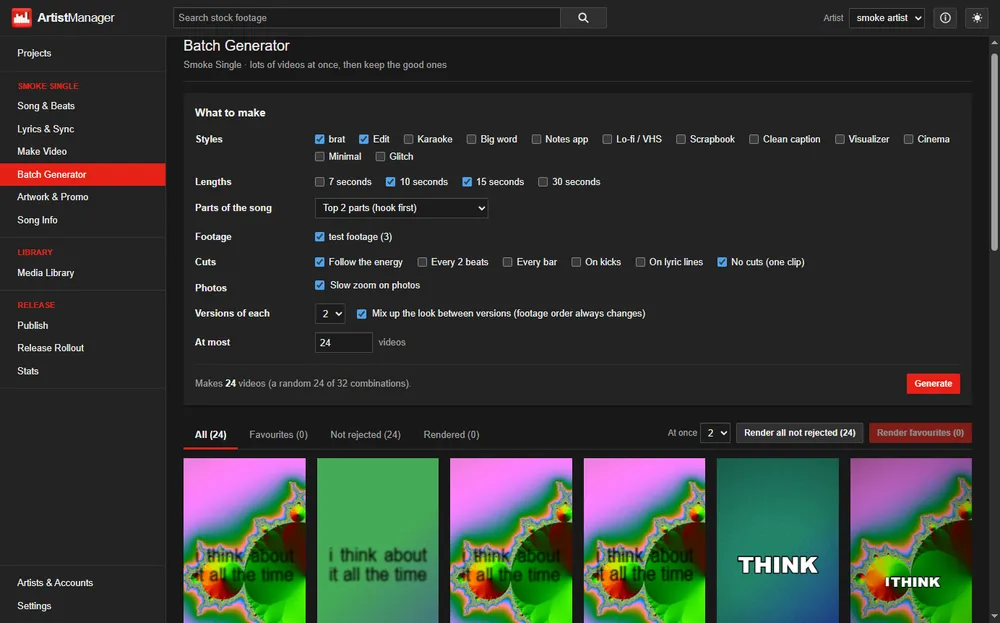
Make a week of lyric videos for TikTok and Instagram in one sitting, then post them to every account you run.
 Rosary
Projects › ArtistManager
Make a week of lyric videos for TikTok and Instagram in one sitting, then post them to every account you run.
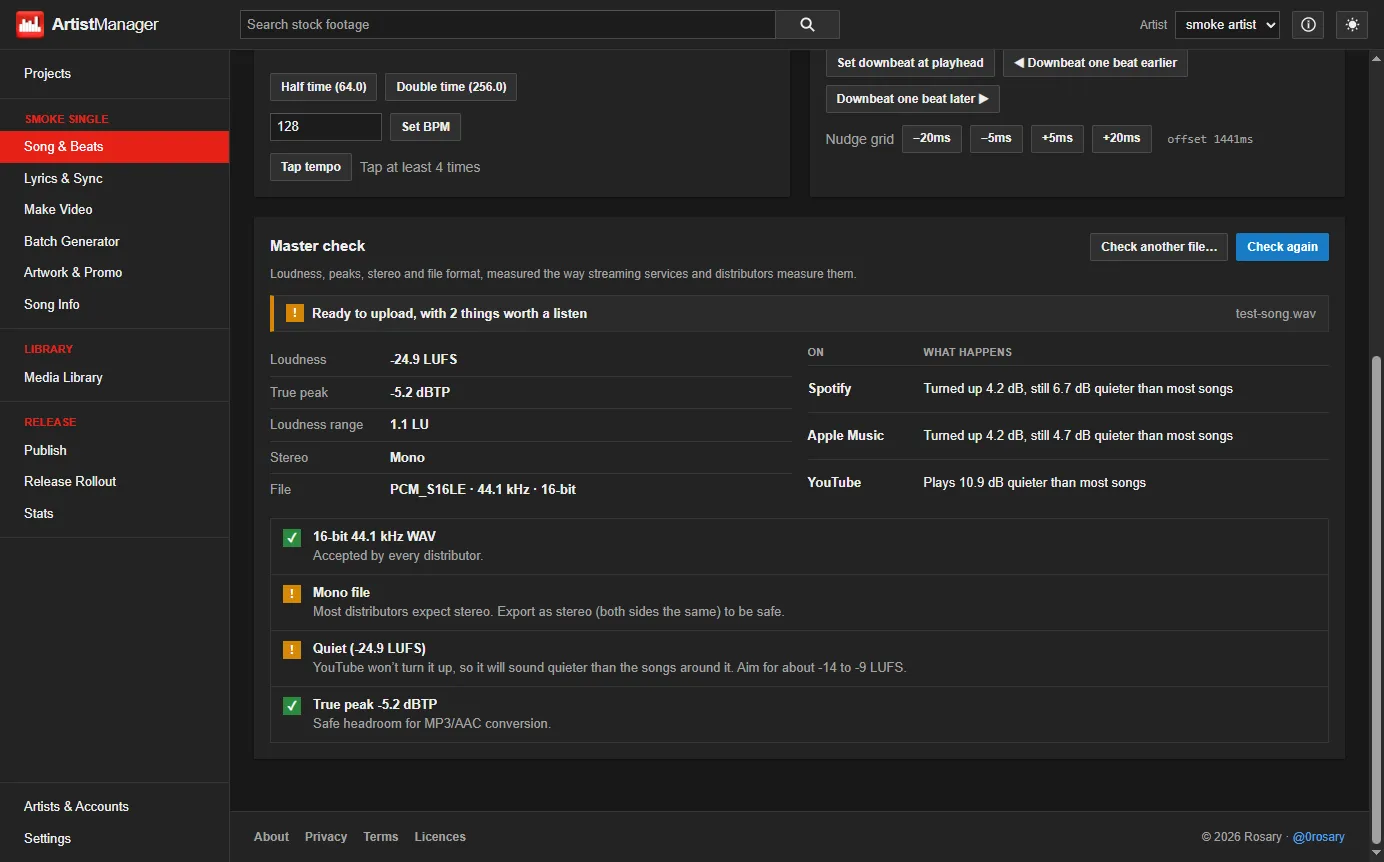
A Windows and Mac app for independent artists. Drop in a song and it finds the beat. Sync the lyrics, and it turns out lyric videos in a dozen styles, cut to the music, then posts them to several TikTok and Instagram accounts on a schedule.
There’s no generative AI. Beat detection is classic signal processing (spectral flux, autocorrelation and beat tracking), and the footage is real stock clips or your own. The two optional machine-learning parts only help with lyrics, and both run on your computer: vocal isolation with Demucs (ONNX Runtime, on the GPU through DirectML) and speech recognition with whisper.cpp.
Videos render to 1080×1920 H.264 on the GPU through WebCodecs, at about real time. The Mac version is built and tested automatically on GitHub Actions.
Everything runs locally: no subscription, no account, no watermark.
--bg, --panel, --red…) on <body class="theme-artistmanager">, and every part of the site already reads them.background-blend-mode: multiply, screened over the original with mix-blend-mode: screen, then jolted sideways by a steps() animation.linear-gradient bars in one background. While you hover the header card, an animation changes their heights on a 120 BPM beat (half a second per beat).